A good everyday laptop needn’t cost a fortune
You don’t have to spend a small fortune to get a useful laptop. But under £400, it pays to look beyond the headline price: a sluggish processor, awkwardly small drive or missing charger can turn a bargain into a bit of a pain. These five UK-priced picks cover both Windows and ChromeOS, with the catches worth checking before you order.
TL;DR — Our Top Picks at a Glance
- HP 15-fd0064na — Best overall Windows pick. Stronger everyday performance for £379.
- Acer Aspire Lite 15 AL15-46P — Best value for study and home. IPS screen and 256GB SSD for £329.99.
- HP Chromebook Plus 14a-nf0000na — Best ChromeOS all-rounder. 8GB RAM and a bright IPS screen for £349.
- Acer Chromebook 314 CBOA314-2H — Best cheap Chromebook. An unusually good screen for £249.
- Asus Vivobook Go 14 E1404TA-EB119WS — Cheapest Windows pick. A compact, workable starting point for £259.
Want the full breakdown? Keep reading for the trade-offs, specifications and comparison table.
Top Picks with Detailed Reviews
1. HP 15-fd0064na
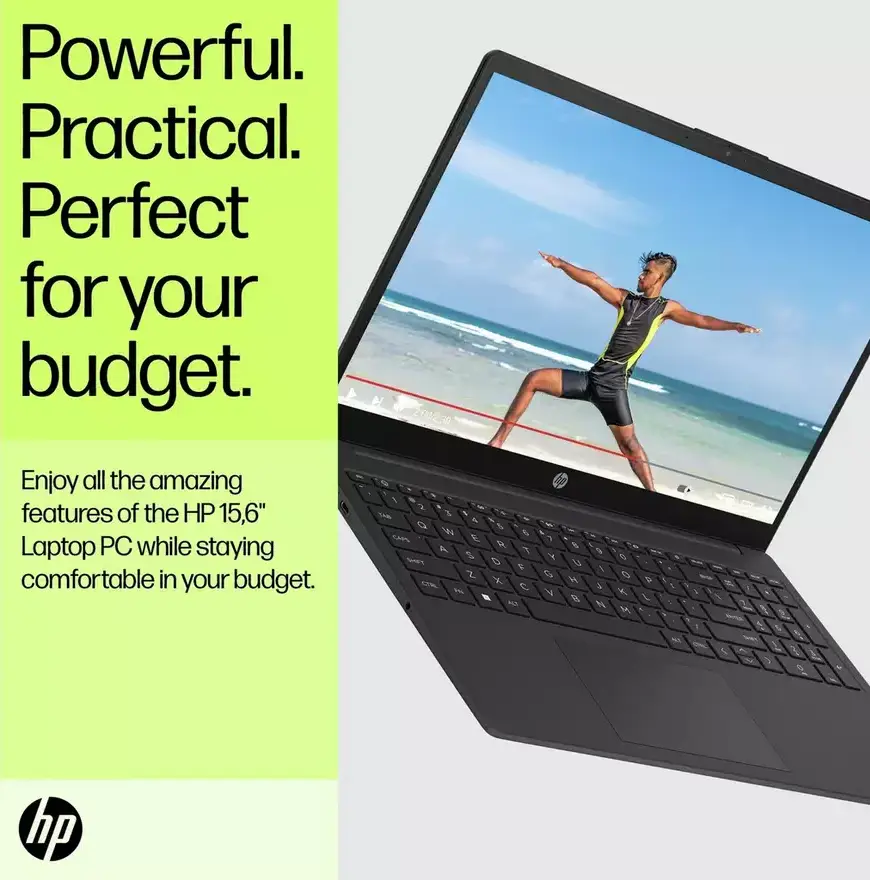
- Display & Performance: Core i5-1334U, 8GB RAM and a 256GB SSD; 15.6in Full HD anti-glare SVA screen rated at 250 nits.
- Build Quality: A practical 15.6in machine for desk and kitchen-table use, rather than the compact option in this list.
- Battery Life: HP advertises up to 7 hours 45 minutes; plan on less if your day is full of calls.
- Pricing: £379 new at Argos, with a one-year manufacturer’s guarantee and charger included.
- Ideal User: Someone who needs Windows for coursework or work and wants the most processor headroom here.
Editor’s Choice: If I had £400 to spend on a Windows laptop, I’d start here. The Core i5-1334U gives you noticeably more processor headroom than the cheaper Windows options. You might not notice much difference with a single webpage open; switch between a document, several tabs, email and a video call, and it matters more.
Argos owners seem pleased with its everyday speed, too: the laptop has a 4.7/5 rating from 83 reviews. That’s encouraging, though it doesn’t make this a premium machine by magic.
There are limits. You get 8GB of memory and 256GB of storage, so this isn’t the one for a huge photo collection or ambitious creative projects. The Full HD anti-glare screen is a practical choice, but at 250 nits I wouldn’t pick it for working outdoors or judging colours. HP calls the panel SVA, so don’t assume it’s equivalent to the IPS screen on the Acer Aspire Lite below.
Battery life is the other trade-off. HP’s advertised figure is the shortest of these five, and a day packed with streaming lectures or Teams calls will likely bring it down further. Still, this is a sensible setup for the money: capable Windows performance, enough storage for everyday work and a charger in the box. If you’re usually near a socket, that’s easier to live with.
2. Acer Aspire Lite 15 AL15-46P (NX.JXLEK.001)
- Display & Performance: Ryzen 3 5400U, 8GB RAM and a 256GB NVMe SSD; 15.6in Full HD IPS display rated at 250 nits.
- Build Quality: Its larger screen suits documents and split-window work, though it takes more bag space than a 14in laptop.
- Battery Life: Advertised at up to 10 hours, not a guaranteed full day of heavy use.
- Pricing: £329.99 new at Argos; one-year manufacturer’s guarantee and a 65W adaptor included.
- Ideal User: Students and households that want a well-balanced Windows laptop without spending the full £400.
If £379 is more than you want to spend, this is the one I’d look at first. The Aspire Lite avoids a couple of common budget-laptop annoyances: a cramped drive and a screen that feels like a compromise from the moment you open the lid. Its 256GB SSD offers twice the capacity of the £259 Asus, while the Full HD IPS panel should be easier to share with someone sitting beside you than a TN display.
For essays, spreadsheets, browsing and video calls, the specification makes sense. Just don’t mistake it for a cheap video-editing machine: the Ryzen 3 5400U and 8GB of memory are aimed at everyday computing. At £329.99, it’s a nicely joined-up package, and Argos confirms that a 65W adaptor is included. No surprise extra at checkout.
That 15.6in screen is welcome when you’re working at home, especially if you like having two windows open side by side. Less welcome if you’re carrying the laptop across campus every day. The speakers may not impress, either; one Argos owner found them too quiet. Its 4.5/5 rating is based on just four reviews, so I’d take that with a pinch of salt.
Compared with the HP above, you give up some processor strength and save £49.01. That’s a fair swap for plenty of people. If a comfortable screen and decent storage matter more than getting the fastest performance in this price bracket, the Acer is a very good buy.
3. HP Chromebook Plus 14a-nf0000na
- Display & Performance: Intel Core i3-N305, 8GB RAM and 256GB eUFS storage; 14in Full HD IPS screen rated at 300 nits.
- Build Quality: The 14in size is a handy middle ground between screen space and a bag-friendly footprint.
- Battery Life: HP advertises up to 11 hours; video calls and high brightness will reduce that.
- Pricing: £349 new at Very. Argos specifies a one-year manufacturer’s guarantee and AC adaptor for this configuration, but charges £429.
- Ideal User: Someone happy to work mainly in Chrome, Google apps and web-based services.
For regular use, I’d take this over the cheaper Acer Chromebook 314. The 8GB of RAM gives it more room to juggle open tabs, and 256GB of storage is generous for a Chromebook. Its 14in Full HD IPS screen is rated at 300 nits, too—a rather impressive combination for reading, writing and everyday browsing.
Here’s the big question: does ChromeOS suit the things you need to do? A better specification won’t make a Windows-only course application run on a Chromebook. But if most of your work happens in a browser, this could be a tidy, low-fuss machine for documents, online lessons, streaming and a healthy stack of tabs.
The £349 price at Very is what makes this pick stand out. The same configuration costs £429 at Argos, which puts that listing outside this guide. Argos specifies an AC adaptor and a one-year manufacturer’s guarantee for its configuration; check what comes with Very’s unit before you buy. Argos customers rate the laptop 4.7/5 from 22 reviews—useful context, but not a substitute for checking that your apps will work.
One last thing: Chromebook update support follows the device platform. Buying the laptop doesn’t start a fresh ten-year support period. Check the exact Update schedule for the unit you receive in ChromeOS settings; I wouldn’t assume its end date from a similarly named HP model.
4. Acer Chromebook 314 CBOA314-2H (NX.W0MEK.002)
- Display & Performance: MediaTek Kompanio 540, 4GB RAM and 64GB eMMC storage; 14in 1920 × 1200 IPS screen rated at 300 nits.
- Build Quality: A straightforward 14in Chromebook whose screen is the standout feature at this price.
- Battery Life: Advertised at up to 12 hours, depending on use.
- Pricing: £249 new at Argos, with a one-year manufacturer’s guarantee; charger not included.
- Ideal User: Browser-based study, email, streaming and light household use on a tight budget.
At this price, you often have to put up with a screen that’s fine for a quick search but less pleasant for a full afternoon of work. Not so much here. The Acer’s 1920 × 1200 IPS panel is sharper and taller than a standard Full HD screen, and its 300-nit rating looks good beside the budget Windows options. That extra vertical space is handy for lecture notes and long documents.
The trade-offs are memory and storage. With 4GB of RAM, I wouldn’t choose it for a video call with a forest of browser tabs running in the background. Its 64GB eMMC drive is best suited to people who keep most of their files online. If you download large videos or need lots of offline storage, the HP Chromebook Plus is a better fit. The Kompanio 540 is designed for ordinary ChromeOS tasks, not demanding software.
And, yes, there’s a charger catch: one isn’t included. Check that you’ve already got a suitable one, or add its cost before deciding how much you’re saving. At £249 it can still be a cracking low-cost laptop, but it’s better to know the full bill upfront. Google lists automatic updates for this Chromebook platform until June 2036, which gives it a reassuringly long support runway.
The £229.99 Asus Chromebook CM14 might look tempting, but I think the Acer’s screen is worth the extra £19.01. For Google Docs, web portals and catch-up TV, this is the budget Chromebook I’d pick. Need specialist desktop programmes? You’ll want Windows instead.
5. Asus Vivobook Go 14 E1404TA-EB119WS
- Display & Performance: Intel N150, 8GB RAM and 128GB UFS storage; 14in Full HD TN display.
- Build Quality: A compact Windows option with a more portable footprint than the two 15.6in picks.
- Battery Life: Advertised at up to 8 hours; allow a margin for calls and brighter screen settings.
- Pricing: £259 new at Argos, with a one-year manufacturer’s guarantee; confirm charger inclusion before ordering.
- Ideal User: Someone who must have Windows and needs to keep the initial spend as low as possible.
This Asus has a clear purpose: it gets you a new Windows laptop for £259. You get 8GB of RAM rather than the particularly restrictive memory allowance found on some entry-level machines, and the 14in screen is easier to carry around than either of the 15.6in Windows picks. It’s a practical starting point, not a cut-price version of the HP 15.
The N150 processor is best kept to light jobs: writing, email, online forms and a modest number of browser tabs. One owner reports occasional slow loading, which sounds about right for a machine at this end of the market. The 128GB UFS drive may also feel tight if you install lots of apps or save hefty files locally. Then there’s the TN panel. It has Full HD resolution, but IPS screens generally give you more forgiving viewing angles.
Do check the charger situation before you order. Argos’s answers on whether one is included conflict, so don’t assume the £259 covers everything you need. That matters even more if this is your first laptop and you don’t already have a suitable charger to hand.
If you can stretch to it, I’d spend the extra £70.99 on the Acer Aspire Lite 15. Its IPS screen, larger SSD and included adaptor make a noticeable difference to the overall package. But budgets are budgets. If £259 is your limit and you need Windows for a particular app, the Vivobook Go 14 is a credible pick—provided you’re happy with its screen and storage compromises.
Comparison Table
| Model | Processor | RAM | Storage | Display | Price |
|---|---|---|---|---|---|
| HP 15-fd0064na | Intel Core i5-1334U | 8GB | 256GB SSD | 15.6in, 1920 × 1080, anti-glare SVA | £379, Argos |
| Acer Aspire Lite 15 AL15-46P | AMD Ryzen 3 5400U | 8GB | 256GB NVMe SSD | 15.6in, 1920 × 1080, IPS | £329.99, Argos |
| HP Chromebook Plus 14a-nf0000na | Intel Core i3-N305 | 8GB | 256GB eUFS | 14in, 1920 × 1080, IPS | £349, Very |
| Acer Chromebook 314 CBOA314-2H | MediaTek Kompanio 540 | 4GB | 64GB eMMC | 14in, 1920 × 1200, IPS | £249, Argos |
| Asus Vivobook Go 14 E1404TA-EB119WS | Intel N150 | 8GB | 128GB UFS | 14in, 1920 × 1080, TN | £259, Argos |
Prices are advertised UK prices for new laptops on 9 October 2026. Stock and offers can change.
Buying Guide
-
Performance Needs: Start with the programmes you actually need to run. If your course depends on Windows desktop software, a Chromebook’s screen or battery claim won’t help. For browser-based work, ChromeOS can be a simple, good-value alternative. Of the Windows picks, the HP 15 has the most processor headroom, while the Aspire Lite keeps the price down without feeling as pared back. All three Windows models have 8GB of RAM, but that doesn’t make the entry-level Asus a heavy-multitasking machine.
-
Budget Considerations: Think about the cost of a working setup, not just the price on the laptop listing. The HP 15 and Aspire Lite come with chargers; the Acer Chromebook 314 doesn’t, and you’ll need to confirm whether the Vivobook Go 14 includes one. Retailer pricing matters, too: the HP Chromebook Plus is £349 at Very but £429 at Argos. These prices aren’t based on a student discount or a refurbished unit. If you’ll need a mouse or case, leave a little room for those as well.
-
Build Quality vs Price: On a tight budget, I’d put a comfortable screen, a keyboard you get along with and enough local storage near the top of the list. Full HD doesn’t automatically mean a good display: the Asus Vivobook’s TN panel is a bigger compromise than the IPS screens on the Acer picks. Battery-life claims are useful for comparing models, but don’t treat them as a schedule for your day. Screen brightness and video calls can make quite a difference. Finally, check the one-year manufacturer’s guarantee and the retailer’s return terms before buying. Chromebook buyers should check the Update schedule, too: Google’s support period starts with the platform’s release, not the day you bring the laptop home.
Conclusion
Editor’s Choice: HP 15-fd0064na. At £379, it’s the strongest Windows all-rounder here if you want to open the lid and get on with work. The Acer Aspire Lite 15 is the better way to save £49.01, and its IPS screen gives it a real advantage of its own.
If you don’t need Windows, the choice is pretty straightforward: pick the £249 Acer Chromebook 314 for light browser-based use, or spend £349 on the HP Chromebook Plus for more memory and storage. The £259 Asus is still worth considering when Windows is essential and money is tight. Before you buy, check your apps, the charger situation and the current price at the retailer. Those details can matter more than a flashy spec sheet.